
Practical guide · · MYMUP Digital
How to Choose Case Management Software for Charities
Choose a system around the people you support, the work your team does and the evidence your services need—not simply the longest feature list.
For a charity, CIC or voluntary, community and social enterprise (VCSE) organisation, choosing case management software is a service-delivery decision as much as a technology purchase. The system needs to make sense to frontline staff, protect sensitive information and help managers understand what support is achieving.
Start by mapping one real service journey, agree your essential requirements, and ask every shortlisted supplier to demonstrate the same tasks. This gives you a more useful comparison than a polished presentation alone.
1. Separate case management from fundraising CRM
A fundraising CRM typically centres on donors, campaigns and donations. Case management centres on people receiving support: their referrals, interactions, assessments, goals and service journeys. Your organisation may need both, but they are not interchangeable.
Write down what you are actually buying. Is the priority managing client support, coordinating referrals, recording outcomes, producing funder reports—or managing donations? If several teams share a record, include their needs rather than choosing around one department.
NCVO’s guidance on working out what software needs to do is a useful starting point for defining requirements around your organisation and its users.
2. Map referrals and the full support journey
Take a typical referral and follow it from arrival to closure. Identify who reviews it, how it is allocated, what happens on a waiting list and how the person moves between services. Include exceptions: a referral declined, someone returning for support, or a person using more than one service.
- Can your team see referral status and waiting time without maintaining a separate spreadsheet?
- Can the same person receive support across services without unnecessary duplicate records?
- Can staff record contacts and progress in a way that matches your actual work?
- What happens when responsibility transfers to a colleague or another team?
Ask suppliers to show these journeys. If a requirement needs extra configuration or a separate product, record that clearly before comparing costs.
3. Work backwards from the reports you need
Bring an example of a real reporting requirement to the demonstration. Remove personal information first. Ask how the system would capture the underlying information and produce the figures you need.
Distinguish activity from outcomes. The number of sessions delivered tells you something different from a change in a person’s wellbeing or progress towards a goal. Decide which measures are appropriate for each service and how consistently staff can collect them.
- Can you report by service and time period?
- Can you distinguish people, referrals and contacts so counts are not confused?
- Can you compare assessments or goals over the course of support?
- Can you check missing information before a reporting deadline?
Do not assume every national or commissioner return is supported. Name the specific return and ask for evidence. Our article on why data quality matters explains why reliable recording at source is important.
4. Test security and information governance in practice
A general statement that a system is “secure” is not enough for a buying decision. Ask for clear answers about access controls, hosting, authentication, audit records, backups and incident handling. Involve the person responsible for data protection in your organisation.
Ask who can view sensitive notes, how access changes when a worker leaves, and whether you can review who accessed or changed a record. Establish the supplier’s responsibilities and your own, including retention, deletion and arrangements for retrieving information when a contract ends.
The Information Commissioner’s Office guidance on security provides a reference point. Software alone does not make an organisation compliant: your processes, access decisions and staff practice matter too.
5. Let frontline staff try the everyday tasks
Invite the people who will actually use the system, including occasional users and volunteers where relevant. Ask them to find a record, enter a contact, update a goal and understand the next action. Use fictional information, not real client details, during demonstrations.
Check readability, navigation and use on the devices your team relies on. Ask what accessibility support is available and whether you can test it with users’ own requirements. Note where staff need help: that is useful evidence for training and adoption planning, not just a mark against a supplier.
6. Compare implementation and the whole cost
The subscription is only part of the decision. Request a written breakdown of configuration, migration, training, support, optional modules and any charges associated with leaving or exporting data. Ask which costs change as staff numbers or services grow.
Agree who will clean existing records, map fields, test migration and sign off the result. Decide which historical information you need to move and what should remain archived under your retention arrangements. Confirm the training plan, support contact and responsibilities after launch.
NPC’s guide to choosing an electronic case management system, published in 2018, offers further background on charity system selection. Treat it as a planning resource rather than a current supplier comparison.
A simple scorecard for your shortlist
Create a shared comparison sheet using the headings below. Mark requirements as essential or desirable, agree which areas matter most, and record what each supplier demonstrated. An essential requirement that remains unproven should not disappear inside an overall score.
- Service fit: referrals, allocation, waiting lists and support across teams.
- Outcomes and reports: your measures, reporting periods and required returns.
- Usability: everyday tasks tested by the people doing the work.
- Information governance: documented controls and responsibilities.
- Implementation: migration, configuration, training and ownership.
- Full cost and exit: written charges, contract terms and data retrieval.
For each area, capture the evidence, any unresolved questions and the person responsible for checking them. Share the result with both operational and decision-making teams before committing.
Where MYMUP fits
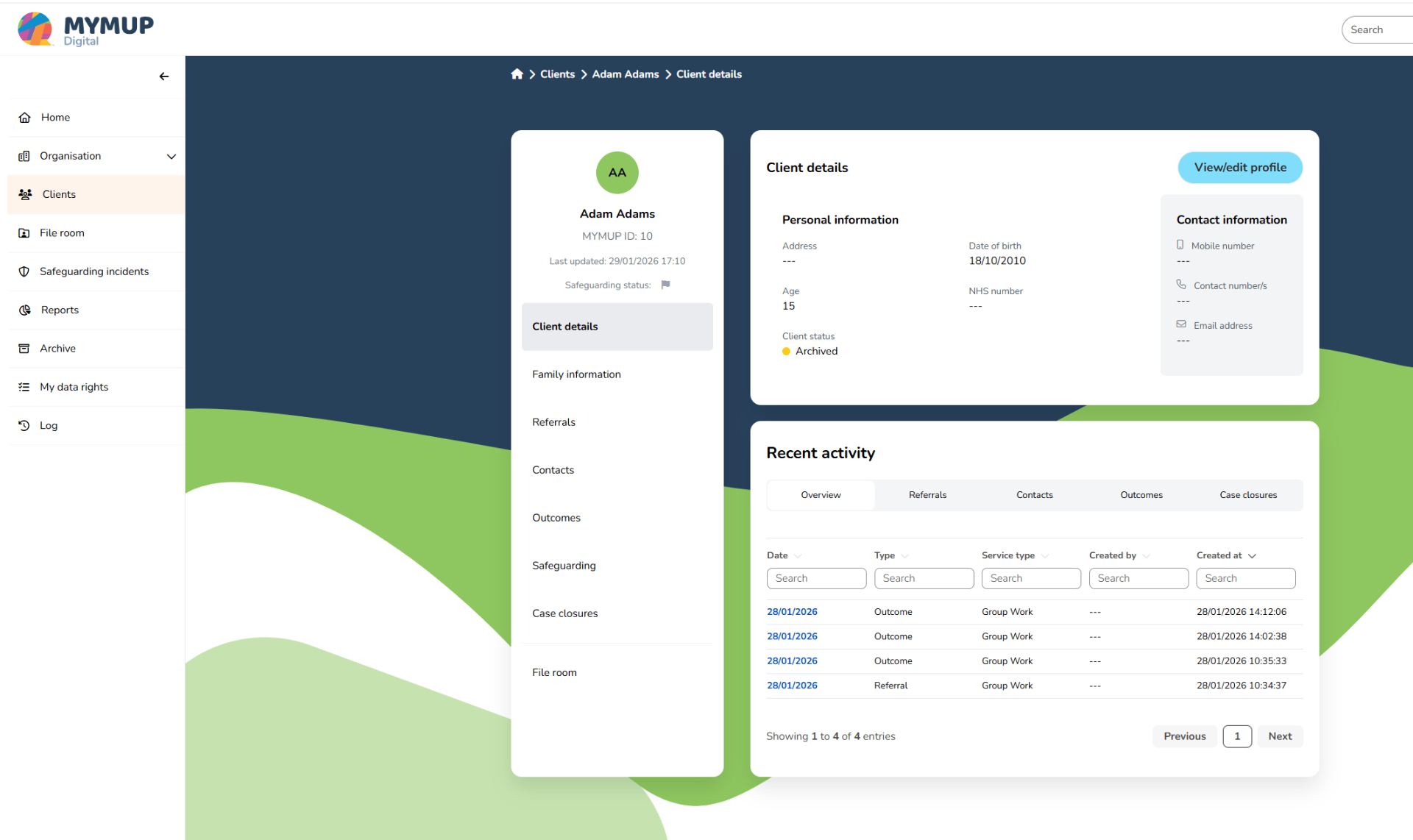
MYMUP brings client records, referrals, pathway management and outcomes reporting together for UK health, care and community services. It is a service-delivery case management platform, not a donor-management or fundraising CRM.
Explore MYMUP for charities, CICs and VCSE organisations or the platform overview, then bring your service journey and reporting questions to a personalised demonstration. The useful question is not whether a system has the most features—it is whether it fits the work your organisation needs to do.
Explore MYMUP around your services
Bring your referral journey, outcome measures and reporting requirements to a friendly conversation with our team.
Book Your Personalised Demo